Free Account
$0
No subscription required
Explore presets and start with low-cost credit packs.
- 1 free render after signup
- Full access to preset library and composer
- $2 Starter Pack available (100 credits)
- Pay-as-you-go with no recurring fees
Upload a SketchUp or Rhino screenshot, choose a style, and generate a polished architectural render while preserving the original design.
Browse more render presets, pick one to reuse its prompt, then adjust the wording for your project.
Simple workflow
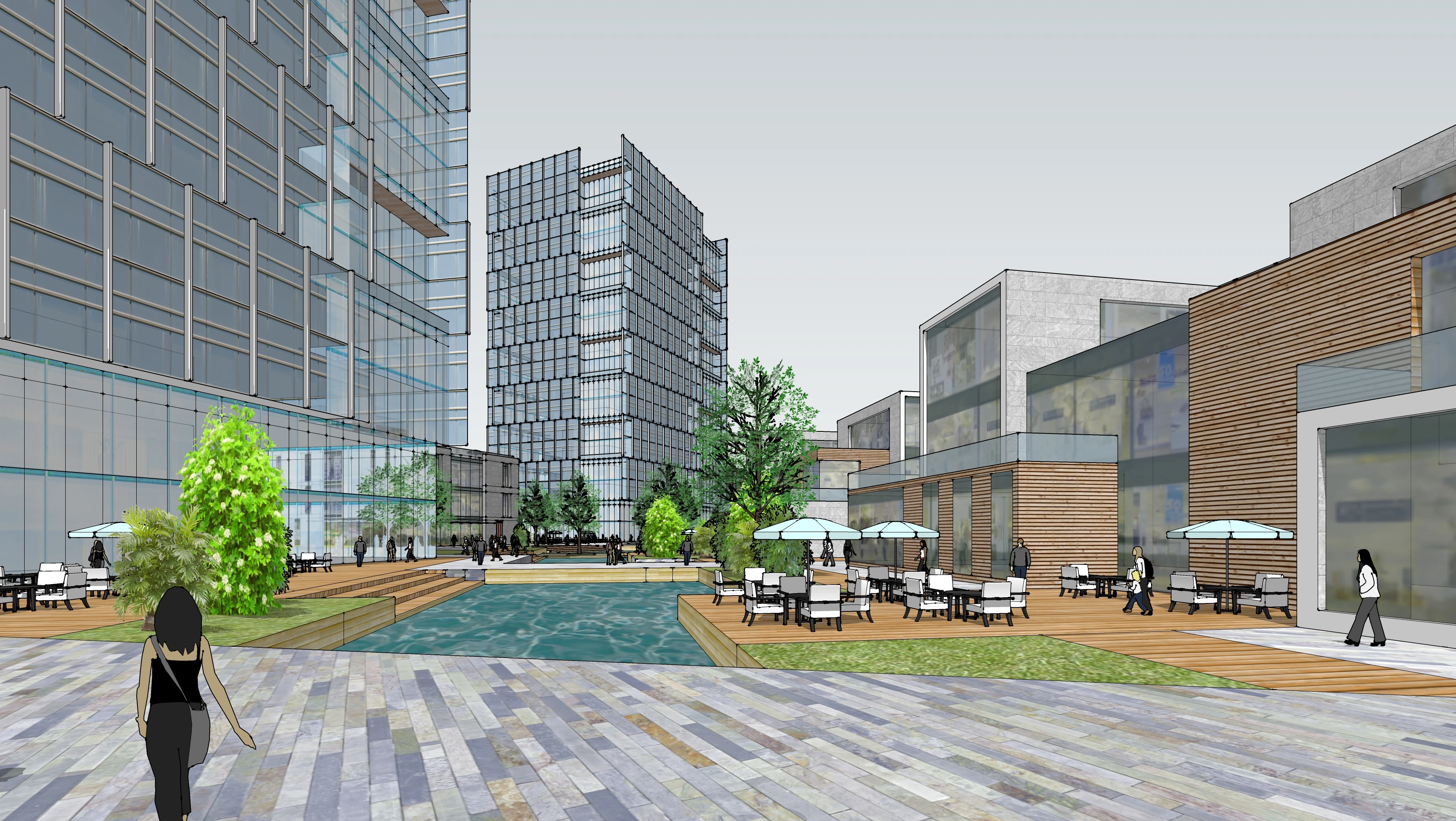
SketchUp / Rhino viewport
Use a viewport screenshot from SketchUp, Rhino, Revit, or another design tool. No 3D model file is required.
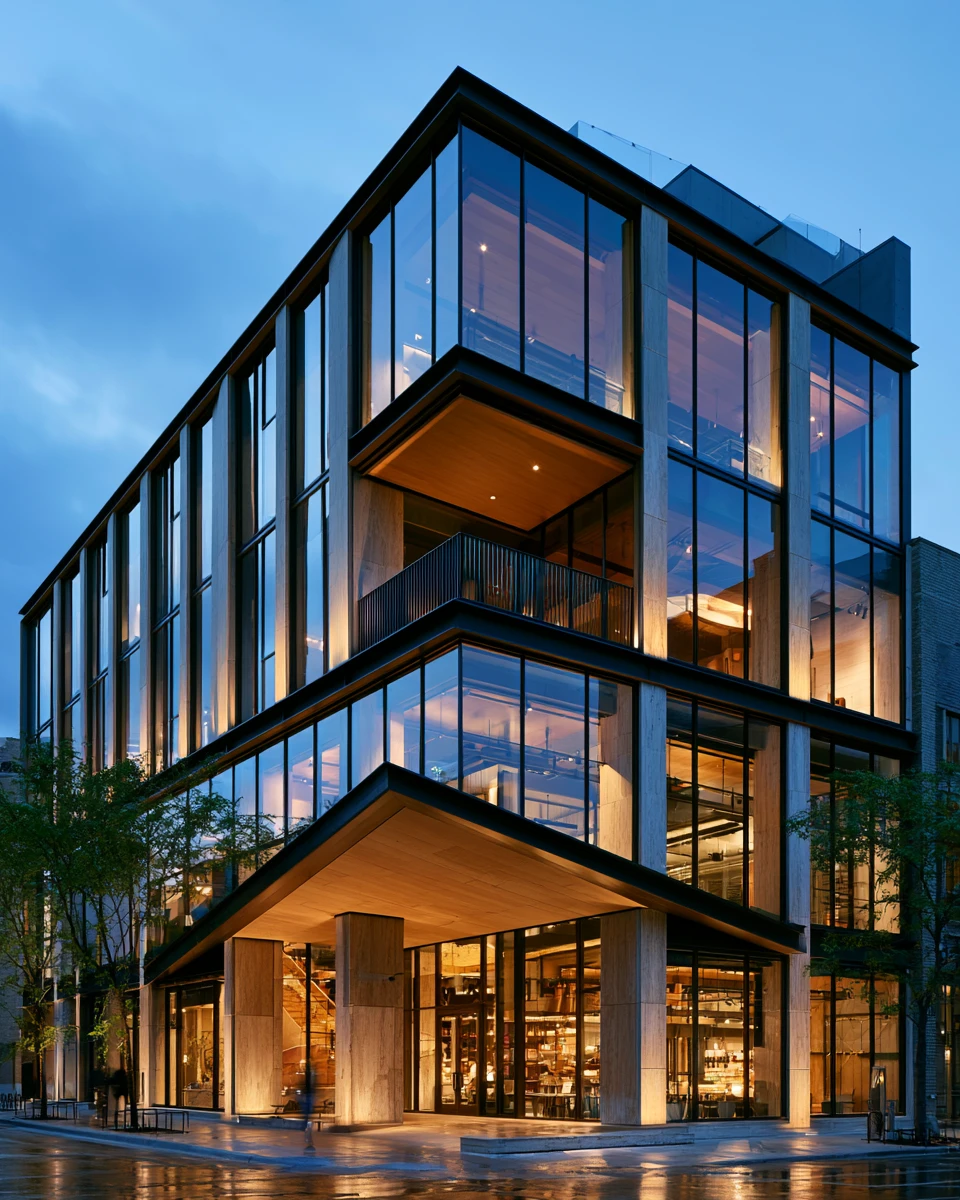
Glass, metal, warm glow, blue hour
Pick a preset, write your own prompt, or upload a reference image for mood, materials, lighting, and tone.
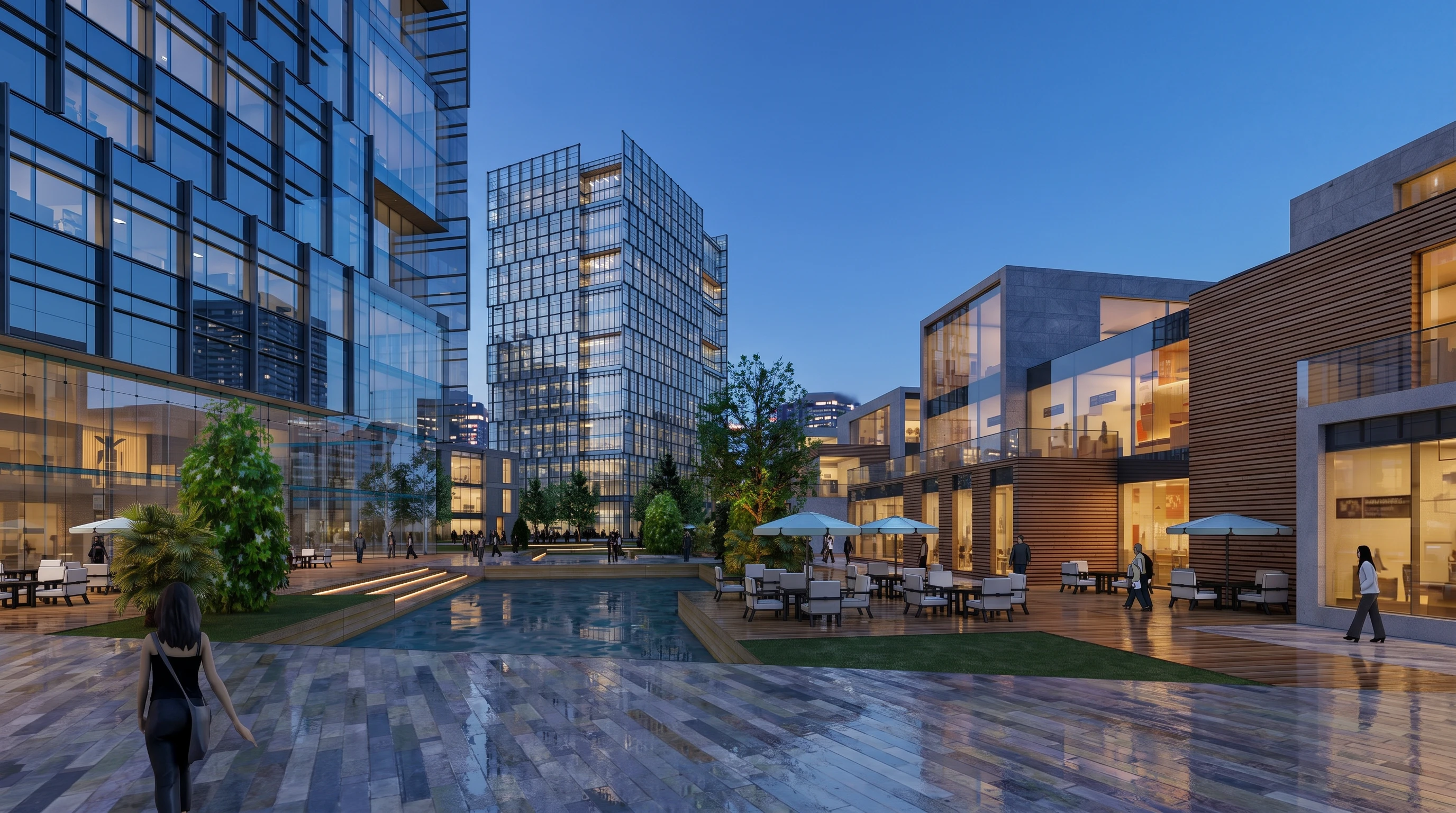
A polished architectural concept render
Generate a render from your model screenshot, then download the image or keep refining it in the editor. Your renders are saved to My renders.
Built for architects
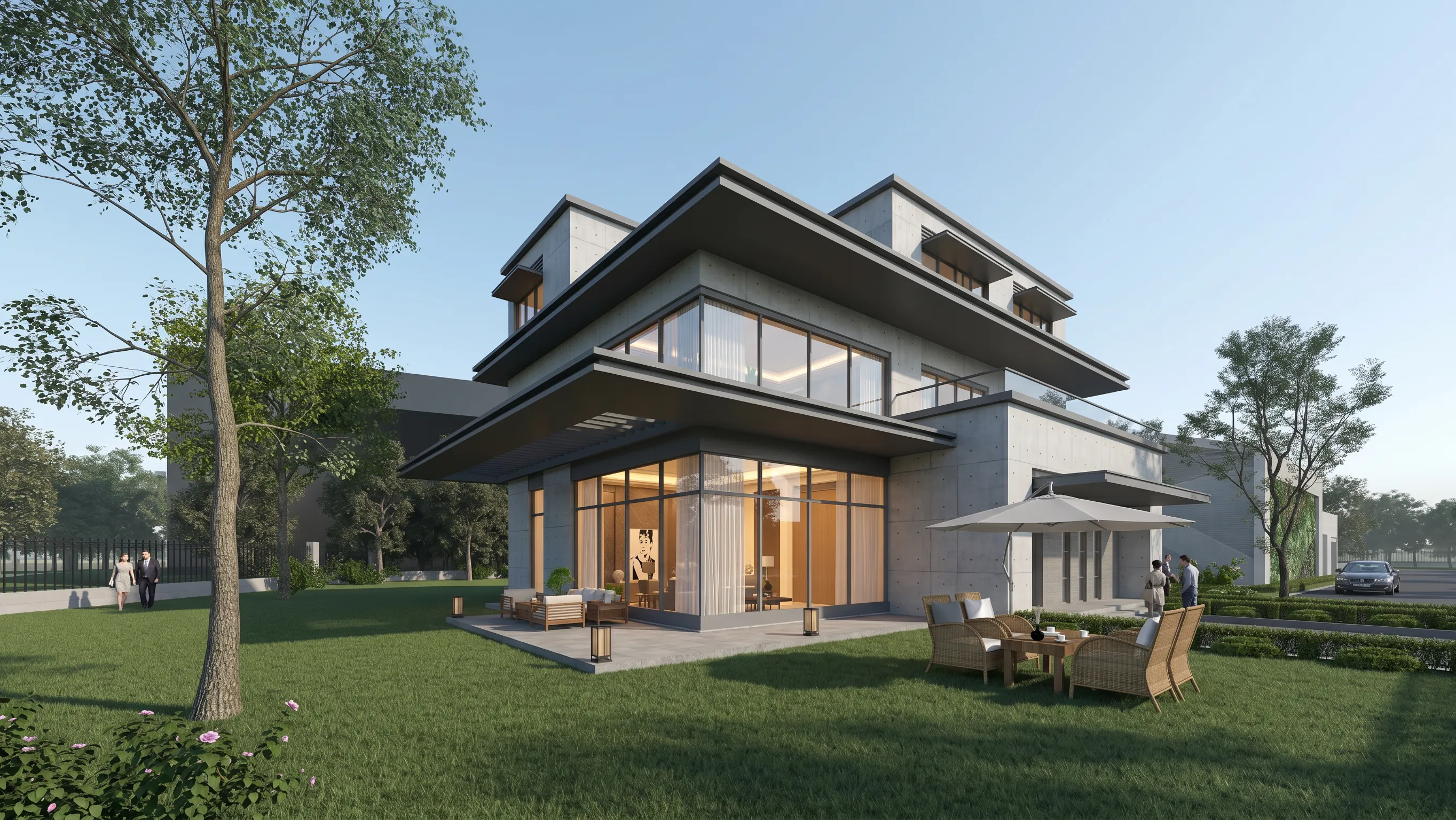
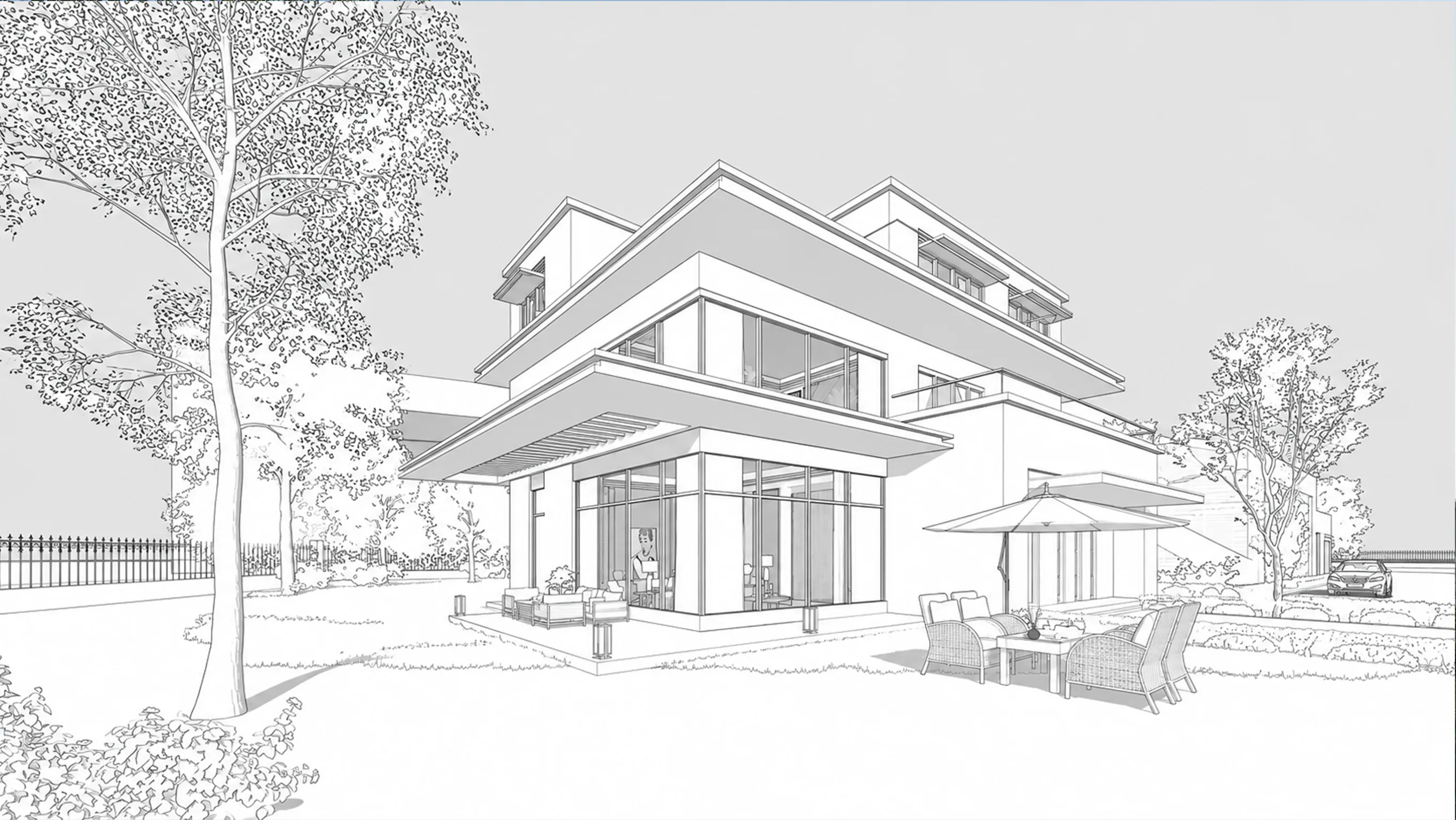
Material + light changed
Render
Style changes. Design stays readable.
Use it when you need a fast visual direction from an existing model screenshot.
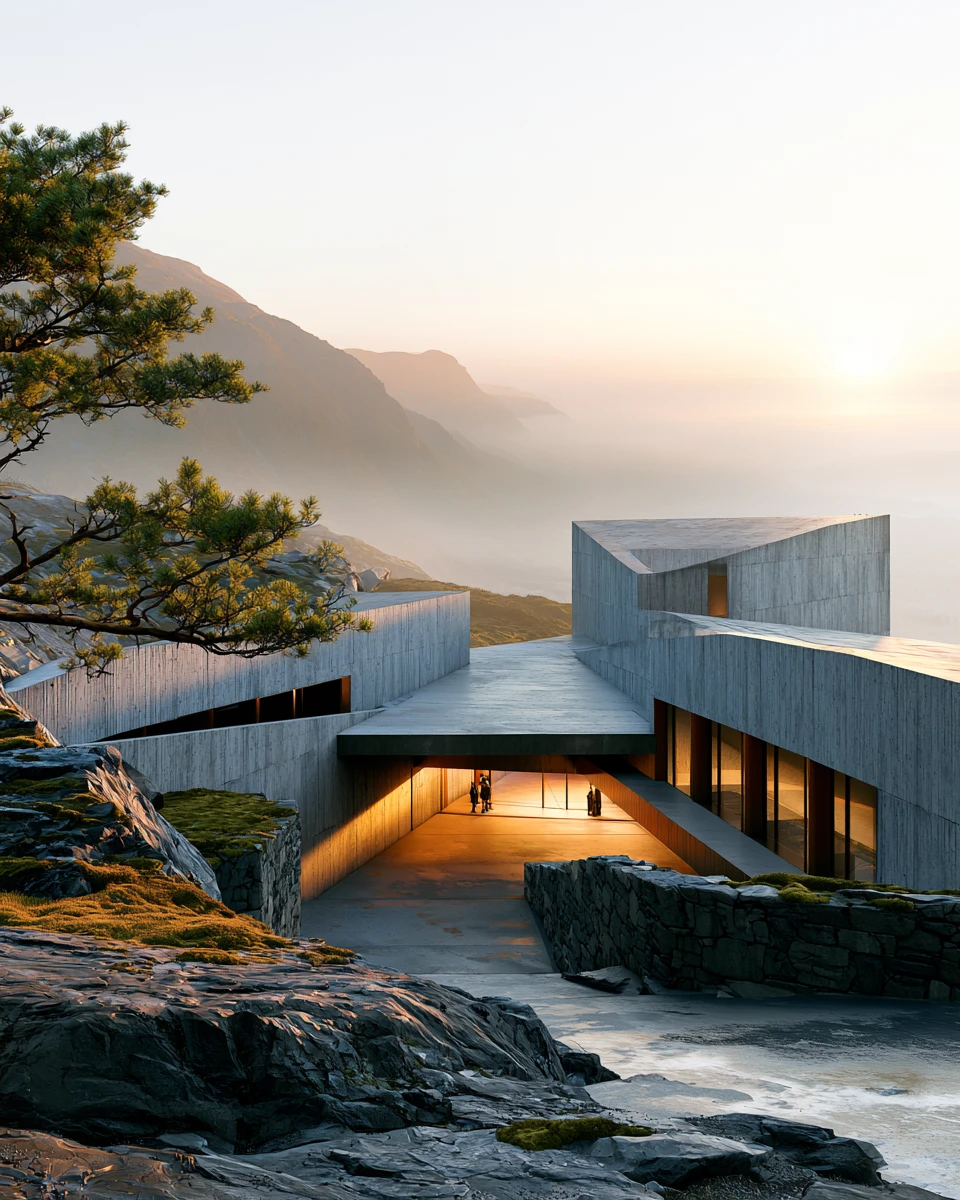
Concept
Turn a rough massing screenshot into a credible first atmosphere.
Pricing
Try the workflow on a real model screenshot. Upgrade for saved work, client-ready downloads, higher-resolution output, and priority generation.
Pay annually for the lowest monthly price. Credits are released monthly.
No subscription required
Explore presets and start with low-cost credit packs.
Billed annually at $144. Save $84 vs monthly. Credits are released monthly.
1,600 credits released each month (19,200 credits / year)
Up to 80 standard renders per month
For solo architects exploring design directions and preparing client-ready options.
Billed annually at $420. Save $168 vs monthly. Credits are released monthly.
5,000 credits released each month (60,000 credits / year)
Up to 250 standard renders per month
For active projects and small studios that need more iterations, less waiting, and client-ready output.
How credits work: 1K and 2K renders use 20 credits. 4K renders use 40 credits.
FAQ
What the tool keeps, what it changes, and how billing and credits work.
No. Upload a viewport screenshot from SketchUp, Rhino, Revit, or another modeling tool. The MVP is designed around screenshots, not native 3D files.
The goal is to keep the original massing, camera, proportions, openings, and site logic readable. It is not a CAD-constrained renderer, so small visual details may need another pass.
Yes. A reference image guides mood, lighting, materials, color tone, and atmosphere. Your uploaded model screenshot remains the source for the building form.
Yes. Use it for exterior massing studies, interior atmospheres, facade options, landscape views, and presentation-style architectural images.
The features are the same. Monthly is more flexible. Annual is paid upfront at a lower effective monthly price, while credits are still released monthly.
Subscribers and credit pack buyers can choose 1K, 2K, or 4K. 1K and 2K use 20 credits per image. 4K uses 40 credits per image.
One standard render uses 20 credits. New accounts get 20 welcome credits for one free render, then you can keep going with our $2 Starter Pack (100 credits for up to 5 renders) before choosing a monthly subscription.
Choose Starter for personal design exploration. Choose Pro for client presentations, active deadlines, private work, and priority generation.
No. It is for early-stage mood studies, client options, concept visuals, and fast design iteration. Use your production renderer when you need fully controlled final imagery.
Upload one viewport screenshot, choose a render style, and generate a polished architectural draft while keeping the original design readable.